
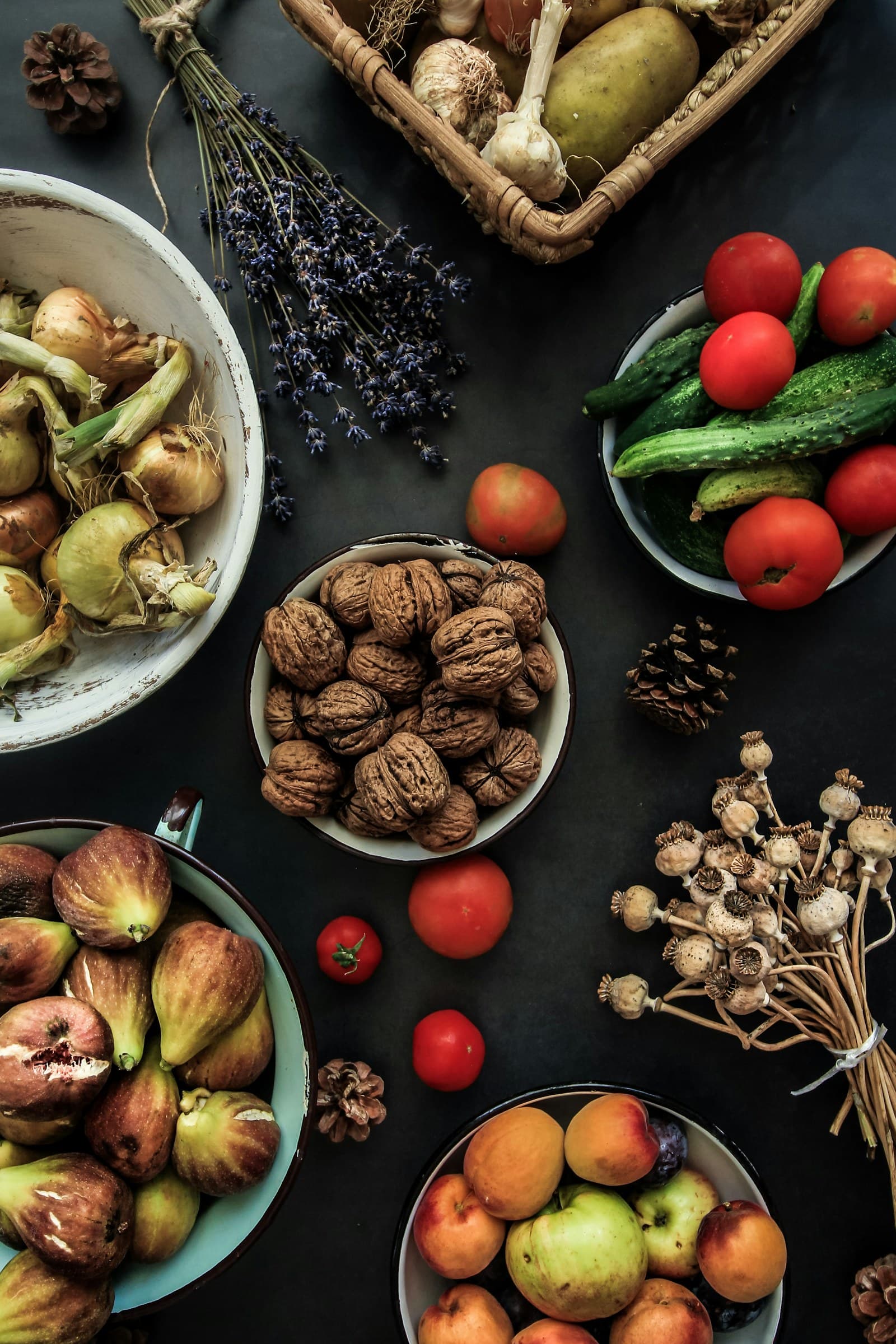
Start with the whole meal in view
Before taking a photo, place the plate, bowl, or container on a stable surface and check the edges of the frame. Leave enough space to show the complete serving, including food near the rim. A photo that crops out half a sandwich, a side dish, or the bottom of a bowl gives less visual context for reviewing the meal.
Clear away unrelated clutter, but keep items that help explain what was served. A small cup of dressing, a piece of bread, a topping container, or a utensil beside the food may add useful context. If you are photographing a packed meal with several compartments, try to include every compartment in one frame rather than focusing only on the largest item.
Use light that shows texture and color
Soft, even light usually makes ingredients easier to distinguish. A table near a window can work well if direct sunlight is not creating hard shadows. If one side of the meal is very dark, move the plate or change the angle instead of relying on a strong overhead light that can create glare.
Watch for reflections on glossy sauces, plastic lids, and foil. Tap the screen on the main food area to help the camera focus, then hold the phone steady for a moment. A clean lens also matters: a small smudge can make the entire image look hazy and reduce the visibility of details such as grains, chopped vegetables, or toppings.
Choose an angle that explains portions
A three-quarter angle often shows both the surface and the height of a meal. It can make a mound of rice, a layered dish, or a filled container easier to interpret than a close, flat crop. A top-down view is useful when foods are spread across a plate and their boundaries matter. Choose the angle that reveals the most, rather than the one that makes the meal look largest.
When depth is important, take a second photo from the side. This can help show whether a bowl is shallow or deep, how thick a slice is, or how much food sits beneath a topping. Keep the same meal and serving together in both images. The goal is not to create a styled picture; it is to provide clearer visual information for review.
Make hidden ingredients easier to identify
Some ingredients are easy to miss from above. Sauces under a salad, oil mixed into vegetables, fillings inside a wrap, and toppings beneath cheese may not be visible in a single image. If an ingredient is concealed, add a brief note or take a separate photo after opening, cutting, or moving the food. A simple label such as “dressing on the side” or “two tortillas” can be more useful than a closer crop.
Keep packaging or a menu nearby when it supplies details that the photo cannot show, but do not let it cover the food. If a meal comes in a branded container, photograph the food first and the label separately. For homemade dishes, a short ingredient list and a note about shared components can clarify what the image alone leaves uncertain.
Review the image before logging
Take a quick look at the photo before moving on. Ask whether the full serving is visible, the main ingredients can be separated visually, and any small sides or additions are included. If the image is blurry, too dark, or missing a key part of the meal, retaking it immediately is often simpler than trying to reconstruct the plate later.
A clear photo still cannot establish the exact nutrient content of a meal. The U.S. Food and Drug Administration explains that serving sizes on Nutrition Facts labels reflect amounts people typically consume; they are not recommendations, and an individual portion can differ. Likewise, USDA MyPlate offers food groups as a flexible way to build variety, not a method for determining the exact nutrients in a photographed meal.
FoodSnap can use a food photo to provide editable calorie, macro, ingredient, and portion estimates. Use the image as a useful starting point, then adjust visible portions or ingredients when you know more than the photo reveals. Better framing improves the information available for review, while honest edits keep the record aligned with what was actually served.
Sources
- Serving Size on the Nutrition Facts Label — U.S. Food and Drug Administration
- What Is MyPlate? — USDA MyPlate
FoodSnap provides editable nutrition estimates. This article is for general educational purposes and is not a substitute for individualized medical or dietary advice from a qualified professional.