
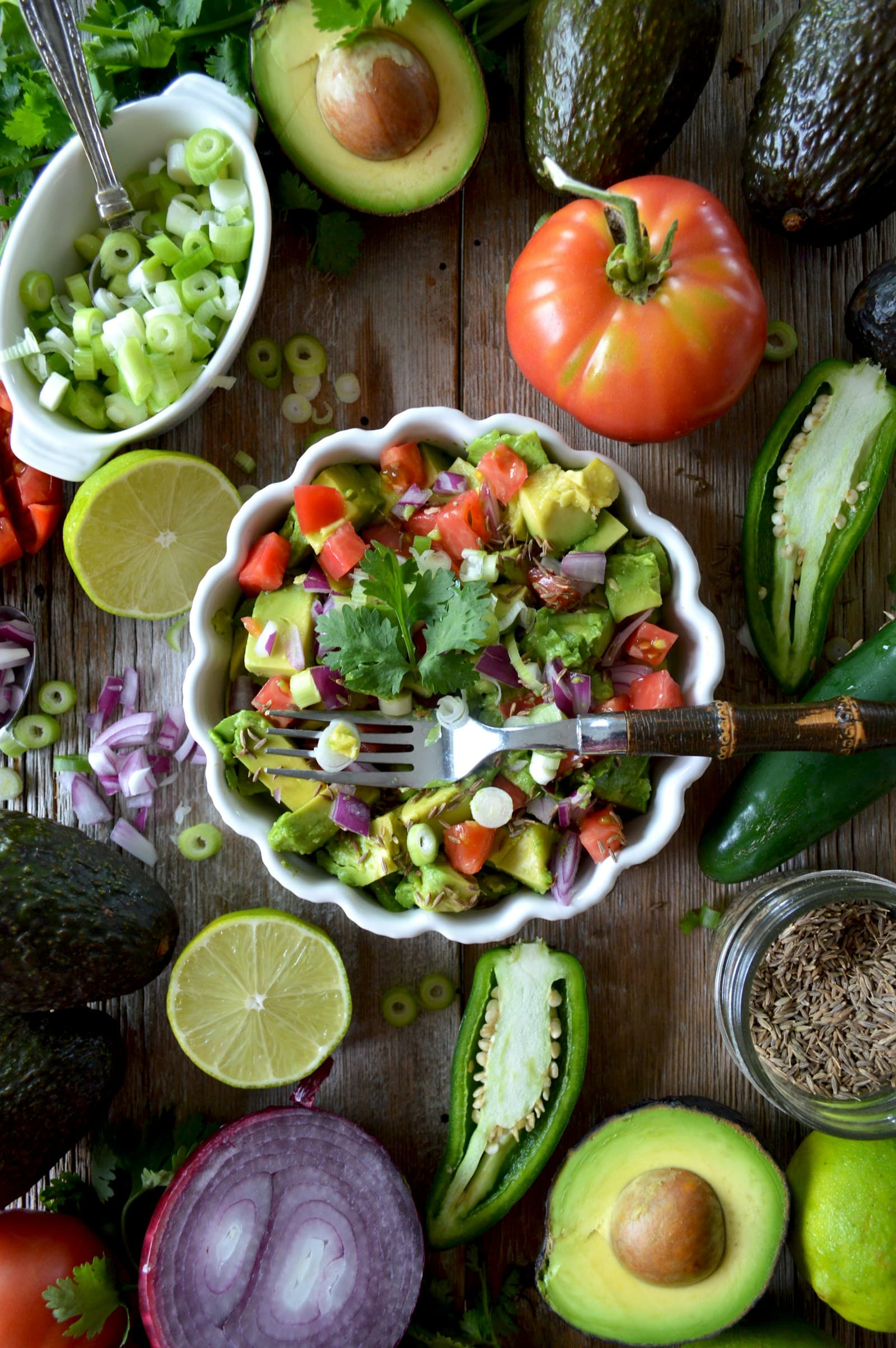
A second image should answer a specific question
The most useful extra photo is not simply another view of the same plate. It gives context that the first image cannot show clearly: how tall a portion is, what sits between two slices of bread, which packaged product is present, or whether a nearby side belongs to the meal. Before taking it, identify the uncertainty you want to reduce.
FoodSnap can use the added visual information to produce an estimate that is easier for you to review and edit. The result remains an estimate from images, not a direct measurement. A second photo is worthwhile when it helps distinguish between plausible interpretations of the meal rather than adding a nearly identical angle.
Use a side view for height and layers
A top-down photo can show the footprint of rice, roasted vegetables, a slice of cake, or a bowl, while a side view can add clues about depth. This is especially useful when the food is piled, stacked, or served in a container whose walls hide the lower layers. A side view may also show whether a portion is thin, thick, level with the rim, or heaped above it.
For example, a side image of a grain bowl can clarify how much food sits below the visible toppings. A view of a slice of layered dessert can show its thickness and the number of visible layers. These details do not establish an exact amount, but they can help you inspect the estimate and adjust the portion when the visual assumption does not match what you served.
Open sandwiches, wraps, and filled foods
The outside of a sandwich can make bread size easy to see while leaving the interior uncertain. If the filling is the part you want to check, take a second photo after opening or separating the halves. The image may reveal the amount of cheese, vegetables, meat, egg, sauce, or spread, as well as whether some of the filling is only on one side.
This approach is also useful for a stuffed pita, folded quesadilla, filled pastry, or layered toast. You do not need to dismantle every meal; use the extra view when the hidden ingredients would change how you describe the food. Review the resulting estimate by comparing the visible filling and portion with what you actually ate, then edit the relevant items or amounts if needed.
Add a package-label photo when identity matters
A package label can resolve questions that a food photo cannot. It may help distinguish two similar products, flavors, sizes, or prepared items that look alike on a plate. Include the product name and the serving information when they are legible, while keeping the photo focused enough that the text can be reviewed. If only part of a package is visible, a second image can supply the missing context.
The U.S. Food and Drug Administration explains that serving sizes on the Nutrition Facts label reflect amounts people typically consume; they are not recommendations, and an individual portion can differ. That distinction matters when reviewing a label-based estimate. Compare the labeled serving information with the amount placed on your plate or eaten, rather than assuming the package serving and your portion are the same.
Use a second plate photo to separate the meal
A second plate or dish photo can help when items overlap, sit in separate containers, or are partly outside the main frame. Imagine a tray with a main dish, a small side, and a dip, or a shared table where it is unclear which food belongs to your serving. A separate image of your plate can make the boundaries easier to review without requiring every item to be photographed alone.
You can also use another image after removing a lid, moving a garnish, or placing a side beside the main dish. Keep the context consistent: show the same meal and avoid adding foods that were not part of it. MyPlate describes food groups as a flexible framework for building variety, but it does not determine the exact nutrients in a photographed meal. Use that framework for broad meal context, not as a substitute for checking the foods and portions in the image.
Sources
- Serving Size on the Nutrition Facts Label — U.S. Food and Drug Administration
- What Is MyPlate? — USDA MyPlate
FoodSnap provides editable nutrition estimates. This article is for general educational purposes and is not a substitute for individualized medical or dietary advice from a qualified professional.