
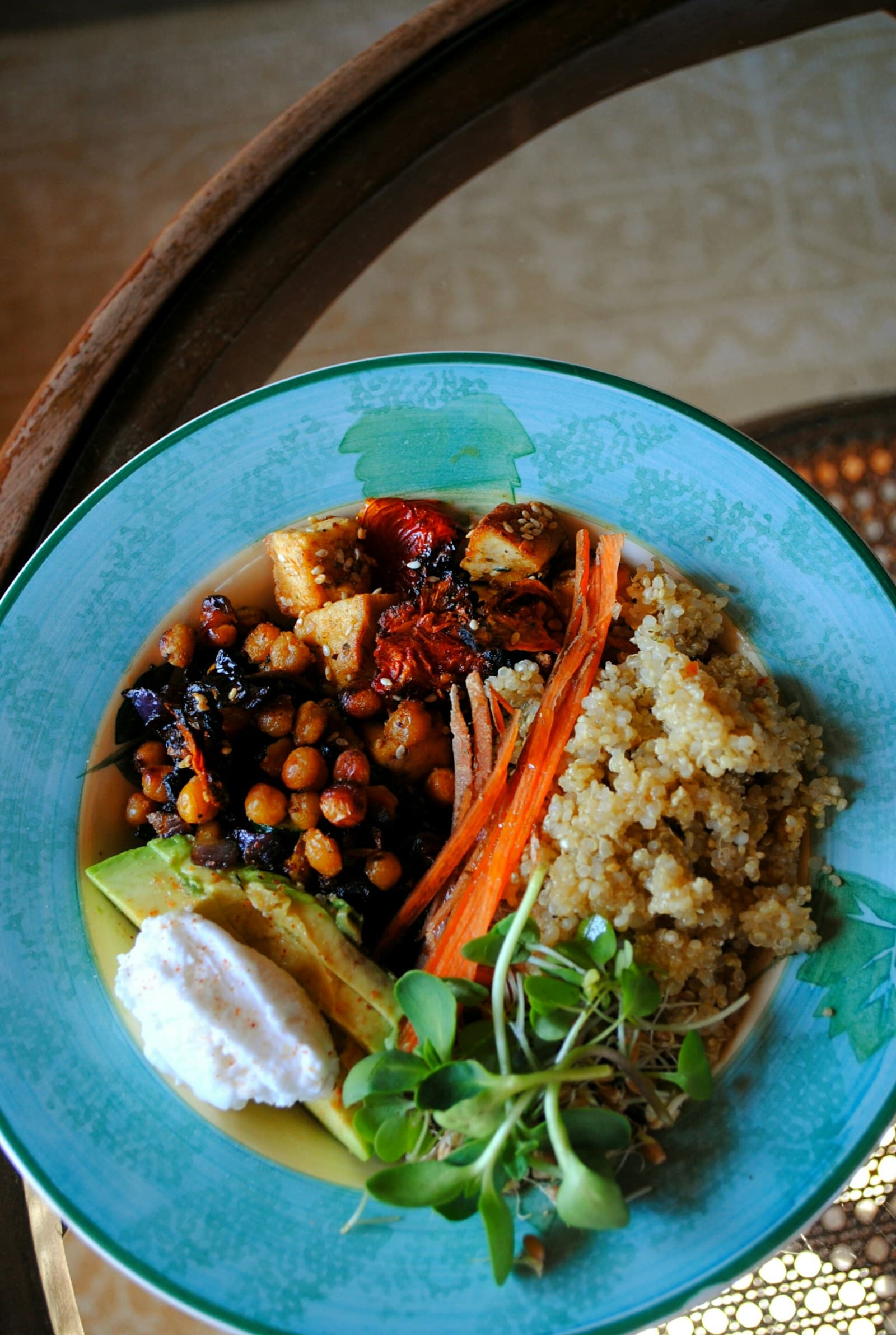
Start by identifying what the photo represents
A photo of a pasta bowl, casserole, dip, rice dish, or platter may show very different things. It could be the entire recipe placed on the table, a serving taken from that recipe, or a portion already divided for one person. Before reviewing calories, name the photographed object in plain terms: “whole pan,” “shared bowl,” “one plate,” or “partial serving.” That label gives the estimate a useful frame.
Look for context around the food. Several plates, serving spoons, a large bowl in the center of the table, or food still left in the container can suggest a shared dish. A single plate with food arranged for one diner may point to an individual portion, though the photo alone may not settle the question. If the context is unclear, keep the description broad and record what you know instead of forcing a precise serving assumption.
Separate the dish total from your serving
The full shared dish and one person’s portion are different logging targets. The full dish describes everything prepared or placed in the serving container. Your portion describes what you put on your plate or ate from that dish. If FoodSnap identifies the photographed food as a shared bowl, review the portion field and dish description before using the calorie estimate for your personal entry.
A practical check is to ask, “Am I saving the table’s food or my share of it?” If the photo shows a large casserole and you ate one scoop, the full-dish estimate should not be treated as your serving without an adjustment. If the photo shows only your plated scoop, the estimate should not be multiplied by the number of people who ate from the original recipe. Keep these as separate reference points when both are useful.
Use serving context to refine the estimate
Serving context can include the container size, the number of visible servings, how much remains, and whether a utensil is shown beside the food. These clues do not establish a measured quantity, but they help you review whether the portion estimate matches the scene. A central platter with several partially filled plates calls for a different review than a nearly full plate photographed close up.
Recipe information can add another layer of context. If you know the dish used two cans of beans, a measured amount of rice, or a particular sauce, compare those details with the ingredient list shown in the estimate. If the recipe was modified, such as using less sauce or leaving out a topping, edit the ingredients or portion notes so the saved entry reflects the food that was actually present.
Review the estimate instead of accepting it automatically
FoodSnap can provide editable estimates for calories, macros, ingredients, and portions from a photo. Use those fields as a starting point for review. Check whether the detected foods describe the whole shared dish or only the visible serving, whether a topping belongs to the dish or to one plate, and whether the assumed portion fits the setting.
The U.S. Food and Drug Administration explains that serving sizes on Nutrition Facts labels are based on amounts people typically consume and are not recommendations; an individual portion can differ. That distinction is useful here: a label serving, a recipe yield, a photographed dish, and your own serving are not automatically the same unit. Edit the serving context and portion estimate when the photo or your notes provide better information.
Use a clear record for shared meals
A saved entry can be easier to revisit when its name states the scope: “shared chicken rice dish, full bowl” or “my serving from shared chicken rice dish.” Add a short note about the number of servings if you know it, and identify whether the estimate covers the container or your plate. This reduces confusion when you review the meal later or compare it with another serving from the same dish.
MyPlate presents food groups as a flexible framework for building variety. It does not determine the exact nutrients in a photographed meal, so use it as broad meal context rather than as a calculator for the shared dish. For calorie review, the most useful sequence is simple: identify the scope, inspect the serving clues, edit the estimate, and save the dish or portion with a clear name.
Sources
- Serving Size on the Nutrition Facts Label — U.S. Food and Drug Administration
- What Is MyPlate? — USDA MyPlate
FoodSnap provides editable nutrition estimates. This article is for general educational purposes and is not a substitute for individualized medical or dietary advice from a qualified professional.