
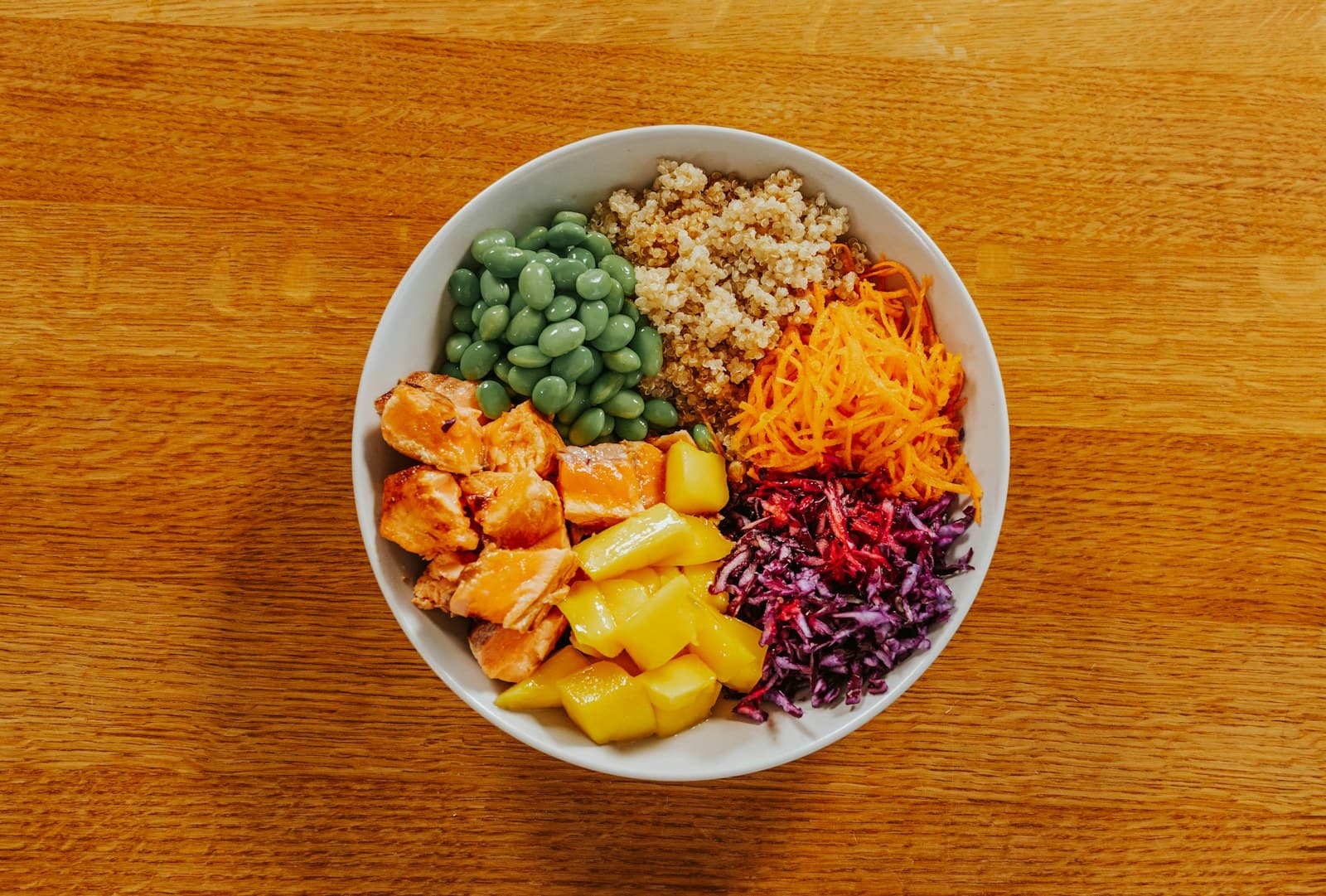
Start with the side dish, not the total
When a meal includes a main dish and a separate side, begin by reviewing the side on its own. This creates a smaller, clearer question: what food is present, what portion does it represent, and which details might change its protein, carbohydrate, or fat estimate? A photo can provide useful context, but the estimate still depends on what is visible and how the dish was prepared.
In FoodSnap, treat the side dish estimate as an editable working value rather than a fixed measurement. Confirm that the item is named clearly, then look at its listed protein, carbohydrates, and fat. If the side is a mixed preparation—such as roasted vegetables with oil, rice with sauce, or a dressed salad—review the preparation details before using its numbers in the meal total.
Check the portion and food context
Portion context is the first practical review. Compare the amount shown in the photo with the amount you actually served or ate. A side dish may be a small scoop, a full bowl, several pieces, or part of a larger recipe. If the visible portion does not match your serving, adjust the estimate before adding it to the meal. Do not treat an absent detail as a zero; instead, identify what is uncertain and make the most reasonable edit available.
FoodData Central from the U.S. Department of Agriculture provides reference nutrient records, but values can vary by the selected food entry, brand, recipe, preparation, and portion. That is especially relevant for sides made from several ingredients. A plain grain, a grain cooked with fat, and a prepared grain from a package may not share the same entry. Choose the closest context, then keep the estimate labeled as an estimate.
Use packaged labels with serving-size context
For a packaged side, the Nutrition Facts label can help you compare the product with the photo. The U.S. Food and Drug Administration advises checking serving size and servings per container before interpreting calories and nutrients. Start by asking how many labeled servings the portion represents. A package that contains multiple servings may require a different calculation from a package presented as one serving.
Next, compare the label’s protein, carbohydrate, and fat values with the amount shown or eaten. If the photo shows half of the labeled serving, the listed values may need to be adjusted to that portion; if it shows two servings, the values may need to be combined. Keep the product, flavor, preparation, and portion aligned with the entry you select. If those details are unclear, record the uncertainty rather than presenting the label as a direct measurement of the plate.
Add each macro to the meal total
Once the side dish is reviewed, add its values to the main dish one macro at a time. The process is simple: meal protein plus side protein equals the combined protein estimate; meal carbohydrates plus side carbohydrates equals the combined carbohydrate estimate; meal fat plus side fat equals the combined fat estimate. Keeping the three additions separate makes it easier to find an error.
For example, suppose the main dish is estimated at 28 grams of protein, 34 grams of carbohydrates, and 16 grams of fat. The side is estimated at 6 grams of protein, 22 grams of carbohydrates, and 5 grams of fat. The meal total would be an estimated 34 grams of protein, 56 grams of carbohydrates, and 21 grams of fat. The arithmetic is exact for those inputs, but the inputs remain estimates that depend on the food details and portion review.
Review the combined result before saving
After adding the side, scan the complete meal for mismatches. Did you count a sauce, dressing, topping, or cooking fat in both the side and the main dish? Does the side entry describe the cooked food shown, or does it describe a dry, plain, or different preparation? Is the portion based on what was served, what was eaten, or an entire package? These checks help keep the total internally consistent.
A useful final note can record the source of uncertainty: an unclear amount of dressing, a recipe with an unknown amount of oil, or a packaged serving that was only partly eaten. FoodSnap’s editable estimates let you revise the side without rebuilding the entire meal when better information becomes available. For reference, consult USDA FoodData Central for nutrient records and the FDA’s Nutrition Facts guidance for label and serving-size context.
Sources
- USDA FoodData Central — U.S. Department of Agriculture
- How to Understand and Use the Nutrition Facts Label — U.S. Food and Drug Administration
FoodSnap provides editable nutrition estimates. This article is for general educational purposes and is not a substitute for individualized medical or dietary advice from a qualified professional.