
Why a backup meal earns a place in the plan
A meal plan is useful when it helps you decide what to eat, but real days can change quickly. A meeting may run late, a planned ingredient may be missing, or cooking may feel like more work than expected. A backup meal is not a second-rate version of the original plan. It is a familiar option with fewer steps, so the day has somewhere practical to go when the first idea no longer fits.
Start by thinking about the situations that most often disrupt your plans. You might need something that can be assembled without cooking, warmed in one container, or made from shelf-stable and refrigerated foods already on hand. The goal is not to create an elaborate emergency menu. It is to identify a few combinations that feel realistic enough to use on an ordinary busy day. Keep the list short, visible, and easy to understand.
Build each option from familiar components
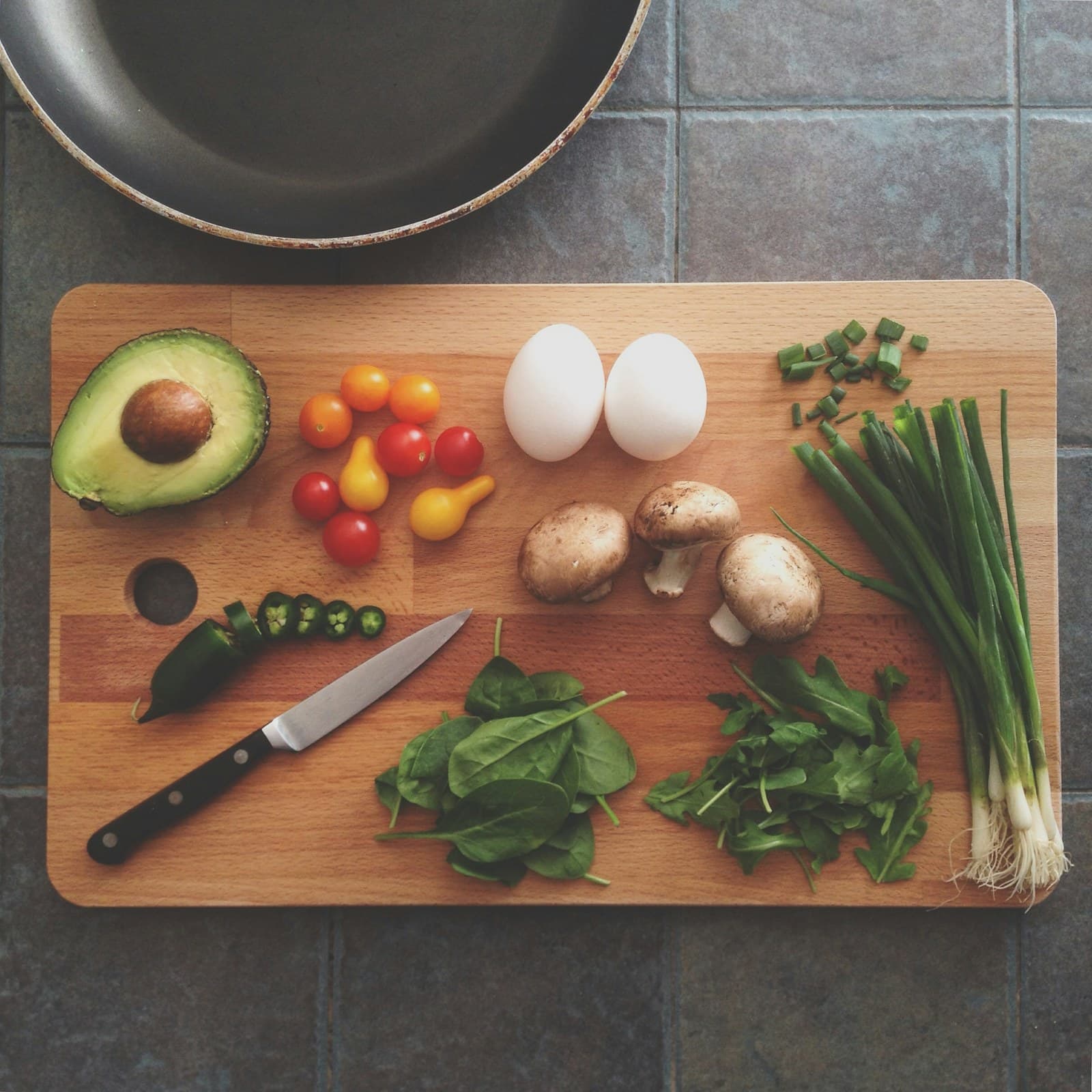
A simple backup meal can begin with a base, a protein-containing food, produce when available, and a flavorful addition. The base might be bread, rice, pasta, potatoes, tortillas, or another food you commonly keep around. The protein-containing food could be beans, eggs, yogurt, cheese, tofu, fish, poultry, or leftovers. Produce can be fresh, frozen, or canned, depending on what is practical that day. A sauce, seasoning, salsa, or dressing can make the same basic components feel different.
This is a planning pattern, not a required formula for every plate. MyPlate presents food-group planning as a way to think about meals, while the World Health Organization describes variety and balance as parts of a healthy diet. For a backup list, those ideas are most useful as broad organizing principles: keep more than one kind of food in rotation, and avoid making one fallback option the only choice you rely on. You do not need individualized targets to use the pattern.
Make the backup easier than the original plan
Convenience is part of the design. Place the foods together, portion components into easy-to-grab containers, or write the combinations on a note where you will see them. Choose preparations that match your actual equipment and time. For example, a bean-and-rice bowl may work with leftover rice and canned beans, while a yogurt bowl may work when no cooking is realistic. A toast plate, a simple quesadilla, or a soup with a side can also serve as a backup if those foods are familiar in your household.
Leave room for substitutions instead of writing a recipe that fails when one item is unavailable. Swap one grain for another, change the vegetable, or use a different topping without renaming the meal in your head as a mistake. You can also keep one no-cook option, one microwave option, and one option based on leftovers. The right choices depend on your kitchen, preferences, budget, and schedule—not on a universal list of ideal meals.
Review what you actually assembled
When you use a backup meal, pause for a quick visual check before eating or logging it. What foods are present? Which ingredients were added during assembly? Was a spread, dressing, oil, beverage, or garnish part of the meal? If you take a photo with FoodSnap, the app can provide editable estimates for calories, macros, ingredients, and portions based on the image. Treat those results as a starting point, because a photo may not show every ingredient or the exact amount.
Edit the entry when you know more than the image can show. Add a hidden ingredient, remove something you did not eat, or adjust the portion estimate to better reflect your serving. A short note such as “extra salsa,” “half the leftovers,” or “used yogurt instead of sour cream” can make the record easier to understand later. This review is about describing the meal you had, not grading the choice or turning a busy day into a nutrition audit.
Refresh the list without making it complicated
After using a backup meal, ask practical questions: Was it fast enough? Did you have the ingredients? Would you choose it again? Did it leave too many dishes, or did the portion feel difficult to judge? Keep options that worked and revise the ones that created friction. You can also rotate flavors—such as salsa, curry seasoning, pesto, or herbs—while keeping the core components familiar.
Revisit the list when your household schedule or available foods change. Variety does not require a new recipe every day; it can come from alternating bases, protein-containing foods, produce, and seasonings across several meals. The USDA MyPlate Plan can help you think in broad food groups, and WHO guidance can serve as a reminder to value variety and balance overall. Use both as context, not as a rigid checklist. A good backup plan is flexible enough to support real life and simple enough to use without much thought.
Sources
- MyPlate Plan — USDA MyPlate
- Healthy diet — World Health Organization
FoodSnap provides editable nutrition estimates. This article is for general educational purposes and is not a substitute for individualized medical or dietary advice from a qualified professional.