
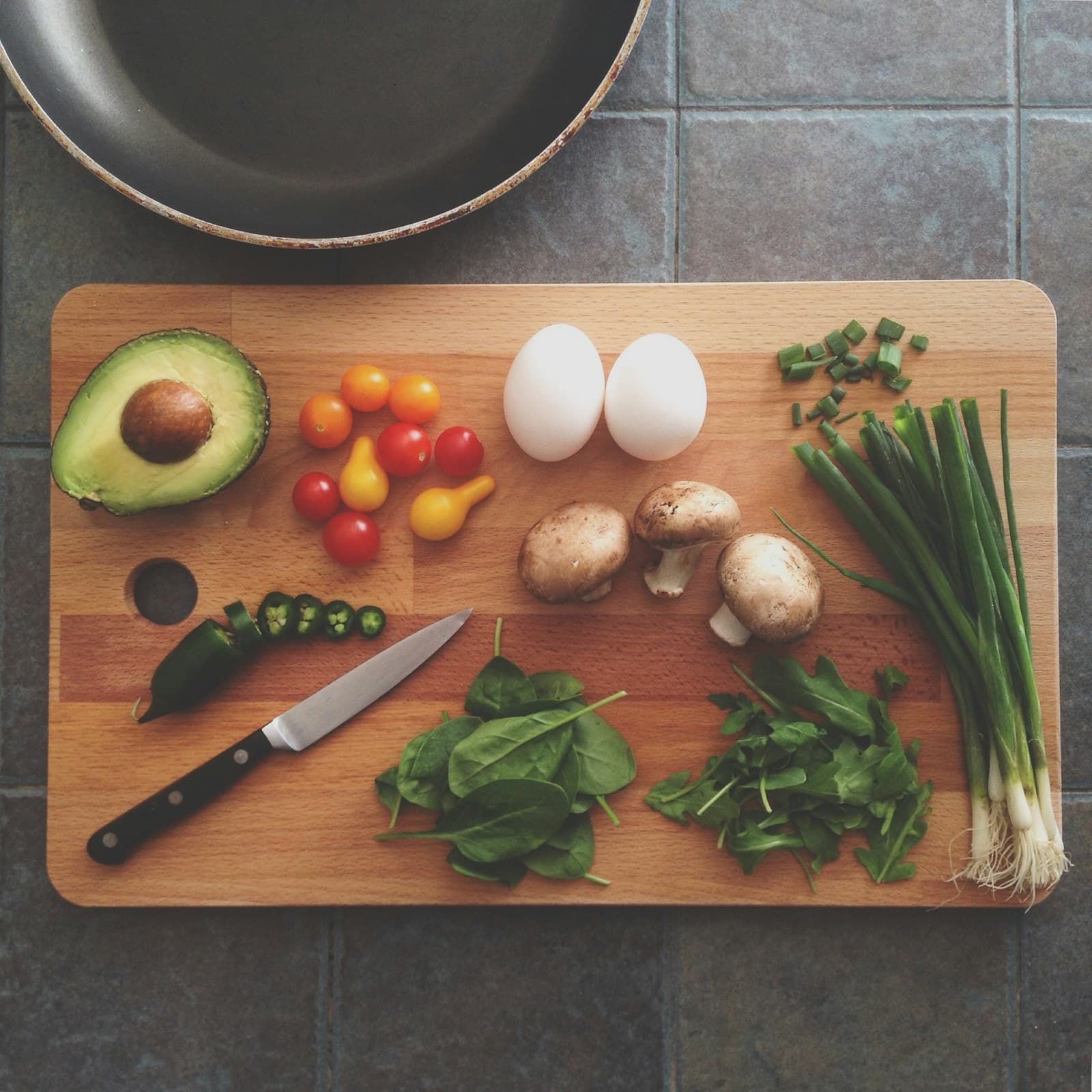
Start with the week, not a snack schedule
A weekly plan does not need to assign a snack to every day or set a particular time to eat. Instead, think of snacks as optional components that can sit alongside meals in the plan. This makes room for days when meals are enough, as well as days when an additional food choice fits the schedule, appetite, or available options. The goal is a more complete map of possible foods, not a set of eating instructions.
Begin by listing the meals you already expect to prepare or buy. Then add a small group of snack possibilities that could work in different parts of the week. A fruit, yogurt, whole-grain item, vegetables with a dip, nuts, or leftovers might appear as options, depending on what you enjoy and have on hand. The list does not say that any one option must be eaten; it simply keeps the plan from overlooking foods that may become part of the week.
Use variety and balance as planning lenses
USDA MyPlate presents food-group planning as a way to organize choices across a pattern of eating. For this article, that idea is best used as a broad review lens rather than an individualized target. When you look at optional snacks, ask whether your list includes different kinds of foods over the week instead of repeating a single default every time. Variety can make the plan more useful and easier to adapt.
The World Health Organization also describes a healthy diet in terms that include variety and balance. Applied to snack planning, those concepts can guide the mix of options without assigning a required amount or schedule. A snack component might complement foods already appearing in meals, or it might simply offer another choice when plans change. Review the whole week rather than judging one item in isolation.
Make snack components easy to describe
A plan is easier to use when each option has a clear name and a practical description. Note the main food, any notable additions, and the form in which you expect to eat it. “Apple with peanut butter” gives more reviewable context than “snack,” while “plain yogurt with berries and granola” identifies several parts that could affect an estimate. If an option is homemade, include the recipe name or the ingredients you know.
FoodSnap can provide editable estimates for calories, macros, ingredients, and portions from a photo. Those estimates are starting points for review, not measurements. A snack photo may not show the full amount of a spread, the brand of a packaged food, or the ingredients mixed into a recipe. Check the result, add or adjust the visible details, and save a description that matches what was actually included.
Plan components that can change form
Optional snacks are easier to carry through a busy week when they are planned as flexible components rather than rigid combinations. You might keep a few different bases and add-ons in mind: fruit with a dairy or nondairy food, vegetables with a spread, a grain-based item with another accompaniment, or a portion of leftovers. These examples are planning categories, not instructions about what to eat or how much to serve.
Consider how an option changes when it is packed, shared, purchased, or prepared from what is available. A packaged item may have a nutrition label that improves the review; a homemade mix may require an ingredient note; a shared bowl may need an estimate of the amount you took. Recording the change is more useful than forcing every version into one identical entry.
Review the plan without turning it into a rulebook
At the end of the week, review whether the optional components made the plan more complete and understandable. Were there foods you repeatedly forgot to include? Did a planned option become a meal addition, get replaced, or remain unused? These observations can help you improve the next plan without treating any outcome as a pass or fail. A useful weekly plan reflects real choices, including choices not to use an option.
Keep the language of the plan neutral and editable. Labels such as “available option,” “packed for the day,” or “added to the meal” describe context without assigning a required eating time. If you use FoodSnap for a photo, update the entry when the ingredient or portion differs from the original estimate. The result is a clearer record of possible and actual foods, while leaving decisions about whether and how much to eat with you.
Sources
- MyPlate Plan — USDA MyPlate
- Healthy diet — World Health Organization
FoodSnap provides editable nutrition estimates. This article is for general educational purposes and is not a substitute for individualized medical or dietary advice from a qualified professional.