
Plan the week in slots, not promises
A detailed calendar can be useful, but it can also become awkward when a meeting runs late, an invitation appears, or you simply do not want the meal you listed. A lower-friction approach is to make a short list of meal slots for the week without assigning every option to a precise day. For example, you might note several breakfasts, lunches, dinners, and flexible snacks, then choose among them as the week unfolds.
Think of the list as a menu of available building blocks rather than a schedule you must follow. The MyPlate Plan illustrates how food-group planning can help organize choices; it is not a requirement to match a particular target. In the same spirit, use the plan to keep variety and balance in view while leaving room for real-life changes. WHO guidance also supports a varied, balanced pattern rather than relying on a narrow set of foods.
Give each meal option a clear role
Swapping is easier when you compare meals by their practical role instead of by recipe name. A meal might be quick to assemble, suited to reheating, easy to carry, or useful for using ingredients already open. Write that role beside each option. “Fast, no-cook lunch” and “warm dinner with leftovers” are more helpful planning labels than a long list of dishes with no context.
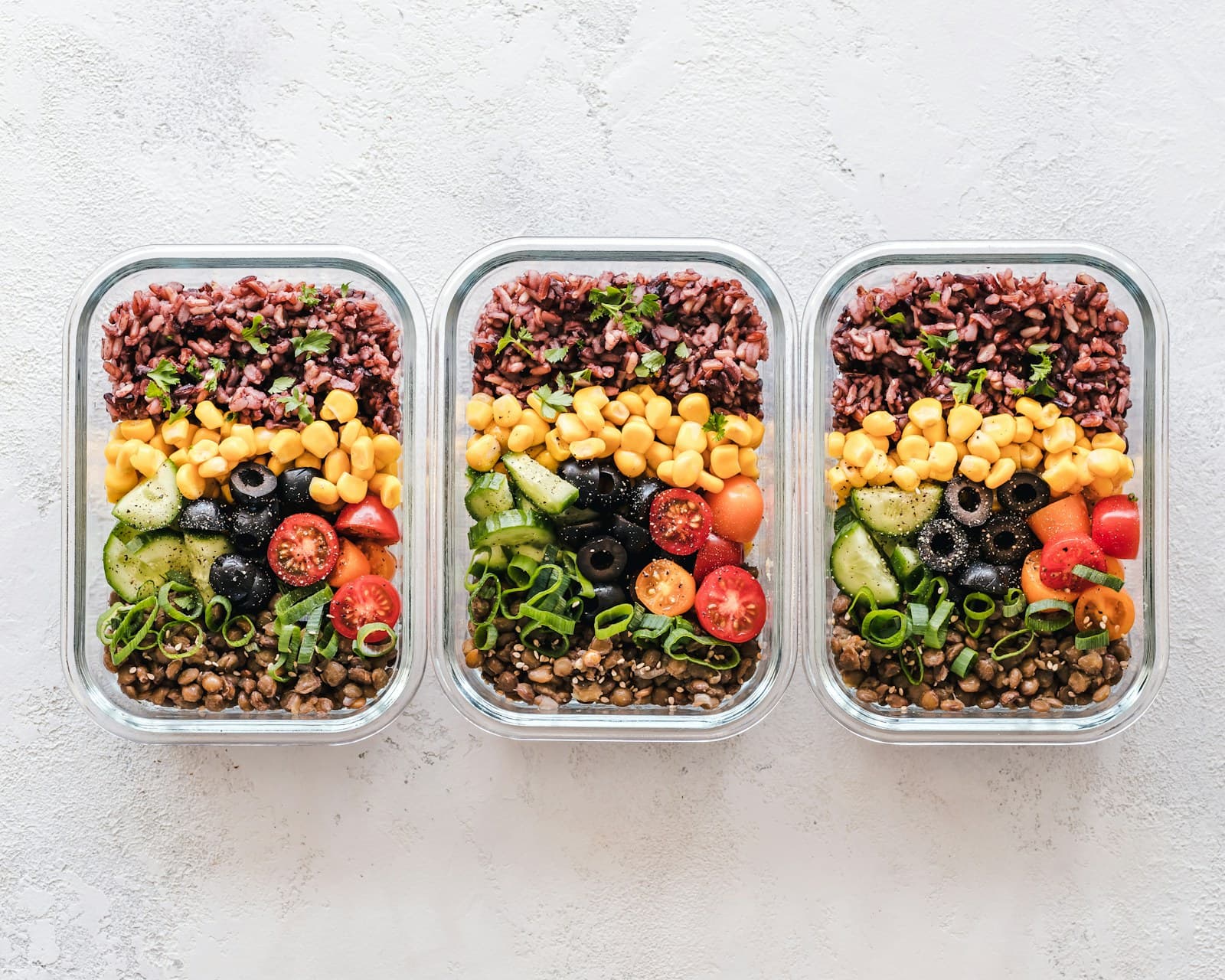
You can also break a meal into broad components: a main source of protein, a grain or starchy food, vegetables or fruit, and a flavorful addition such as a sauce or topping. These categories are planning prompts, not rules or individualized targets. They make it easier to exchange one component for another while keeping the meal recognizable. If a planned grain bowl is not practical, another assembled bowl or a sandwich with a side may fill the same lunch role.
Build a small swap map
Make a swap map with two or three alternatives for each common situation. For a rushed morning, list options that need little preparation. For a lunch away from home, list choices that travel well or can be assembled where you are. For an evening when cooking feels like too much, include a combination of ready-to-eat items and simple components. The goal is not to create a larger recipe collection; it is to reduce the number of decisions you make when the original plan no longer fits.
Use familiar ingredients when possible. If the planned meal includes roasted vegetables, a different vegetable that is already available can take their place. If a recipe calls for one protein source, another option can work when it is convenient and fits your preferences. Keep the swap at the level that matters: the whole meal, a component, or only the topping. A small change does not require rebuilding the entire week.
Keep a backup lane for disrupted days
Choose one or two backup meals that rely on ingredients you usually keep available. They might be assembled quickly, portioned from an earlier meal, or made from a short ingredient list. Store these ideas in the same note as your main plan so you do not have to invent a solution while tired or in a hurry. A backup is successful when it is acceptable and accessible, not when it is elaborate.
It also helps to separate “use soon” foods from longer-lasting options in your planning note. Give perishable ingredients a place earlier in the week when that makes sense, while leaving flexible items available for later swaps. If a change leaves you with an unused ingredient, move that ingredient into another meal rather than treating the original calendar as fixed. This keeps the plan connected to what you actually have.
Update your food log after the swap
A flexible plan and a clear food log support each other. When your meal changes, record what you actually ate when you can, including meaningful changes to ingredients or portions. If you use FoodSnap, its photo-based calorie, macro, ingredient, and portion information is an estimate that you can review and edit. Check the entry against the meal in front of you, especially when a planned component was replaced or left out.
There is no need to preserve the first planned entry as though it represents the finished meal. Replace or edit it so the record describes what happened, and add a brief note if that helps you recognize the swap later. This process is about making the log more useful, not judging the choice. At the end of the week, you can notice which backup options made schedule changes easier and reuse the ones that fit your routine.
Sources
- MyPlate Plan — USDA MyPlate
- Healthy diet — World Health Organization
FoodSnap provides editable nutrition estimates. This article is for general educational purposes and is not a substitute for individualized medical or dietary advice from a qualified professional.