
Start with the serving size, not the headline number
When a photographed portion looks different from the amount listed on a package or recipe record, begin with the serving size. The FDA recommends checking serving size and servings per container before interpreting calories and nutrients. Those two details establish what the numbers on the label refer to; they are the context for every calorie, carbohydrate, fat, and protein value that follows.
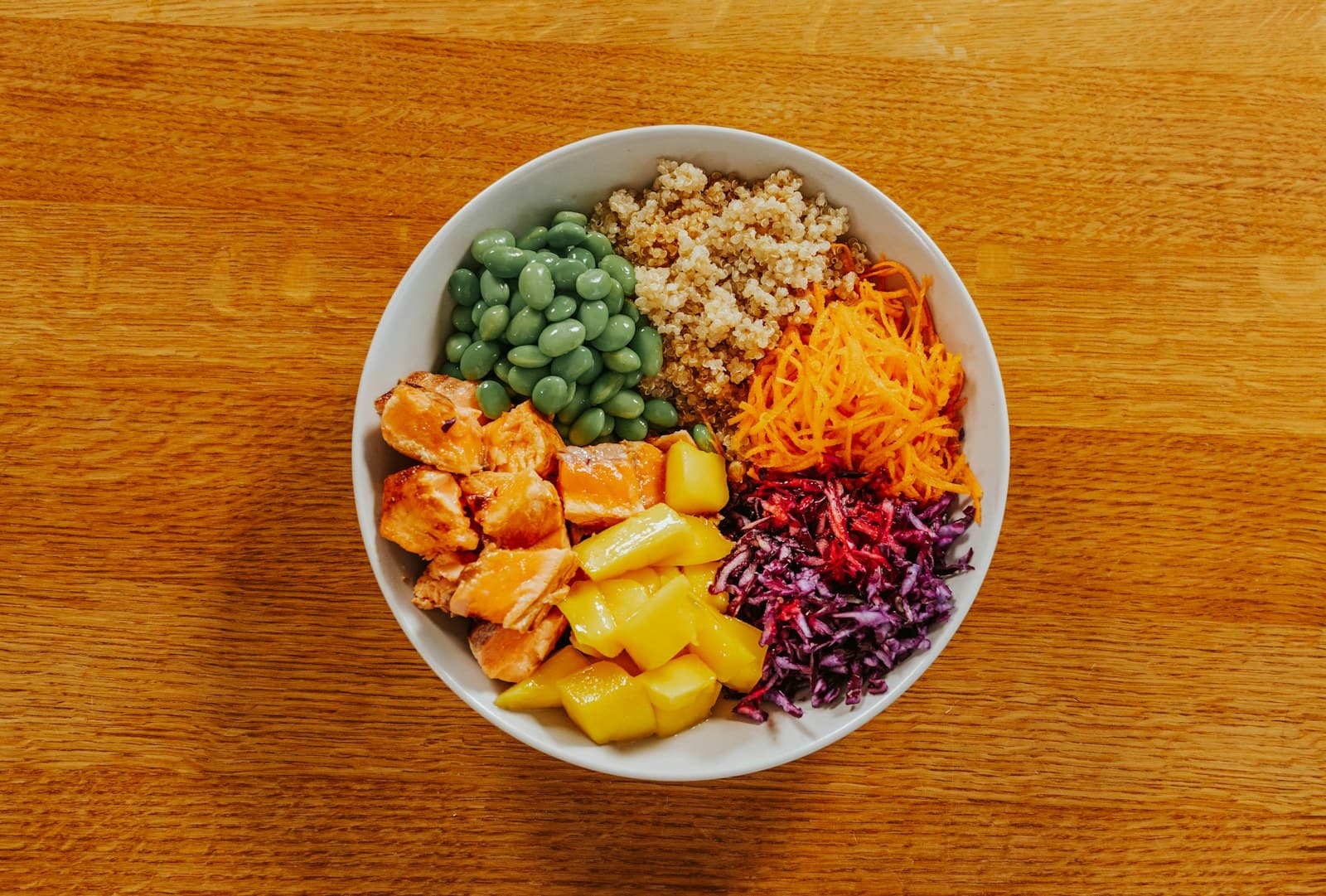
For example, a label might list one serving as a particular weight, volume, or number of pieces. The photo may show roughly half that amount, one and a half servings, or an amount that cannot be judged confidently. Do not treat the large calorie number as the portion in the image until you have compared the listed serving with what is visible. If the package contains multiple servings, the full package and the pictured serving are not automatically the same thing.
Use a simple proportion when the difference is clear
If the label serving and the photographed amount use a comparable basis, a proportion can provide a practical estimate. If the image appears to show about half of the listed serving, start with half of the listed calories and macros. If it appears to show about twice the serving, start with twice the values. The same approach applies to carbohydrate, fat, and protein, while the result should still be treated as an estimate rather than a direct measurement.
The key word is about. A photo rarely supplies the food’s weight, the exact amount of a spread, or the depth of a pile. Use a clear visual difference to guide an edit, not to create extra decimal places. When you cannot distinguish between, for example, one serving and one and a quarter, keeping the closest reasonable entry may be more useful than forcing a precise adjustment.
Match the food record before doing the math
Scaling only helps when the starting entry represents the food in the photo. FoodData Central provides reference nutrient records, and its values can vary by food entry, brand, recipe, preparation, and portion. A roasted version, a packaged version, and a homemade version may not share the same reference values even when they have a similar appearance.
First compare the food’s identity and preparation: plain or seasoned, cooked or uncooked, whole or chopped, and packaged or homemade. Then check whether the record uses the same kind of serving basis as the label or your visual estimate. If no entry is a close match, select the most appropriate reference and record a note about the difference instead of presenting the result as a label reading.
Separate visible amount from hidden uncertainty
A photo can help you review the amount that is visible, but it may not reveal everything that affects the estimate. Dense foods can look smaller than a loosely arranged portion, while a deep bowl can hide part of the serving. The camera angle, overlapping pieces, and the lack of a scale also make visual comparisons approximate. These are reasons to keep the estimate editable, not reasons to discard the photo.
Review the parts that are easiest to compare first. Count visible pieces when the label uses pieces, compare a filled container with its stated volume when the shape is clear, or use a familiar reference only as a rough guide. For mixed dishes, treat the total as a working estimate unless the ingredients and their amounts are known. Add a short note such as “portion looked smaller than listed serving” so a later review has useful context.
Make the final entry transparent and revisable
A practical workflow is: read the serving size, check servings per container, identify the closest food record, compare that serving with the image, and adjust only when the difference is reasonably clear. FoodSnap’s calorie, macro, ingredient, and portion estimates can be edited, so the saved entry can reflect your best-supported interpretation rather than an unexamined default.
Keep the source of the estimate visible in your own notes: package label, reference record, recipe, or visual comparison. If the label says one serving but the photo appears closer to three-quarters, you might use that fraction as a working estimate and mark it as approximate. If the image cannot support that distinction, keep the simpler serving choice. The goal is a consistent, understandable record that can be updated when better portion information becomes available.
Sources
- USDA FoodData Central — U.S. Department of Agriculture
- How to Understand and Use the Nutrition Facts Label — U.S. Food and Drug Administration
FoodSnap provides editable nutrition estimates. This article is for general educational purposes and is not a substitute for individualized medical or dietary advice from a qualified professional.