
Start with the timestamp, not the calorie number
When a meal is hard to remember, begin with when the photo was taken. A timestamp can help you connect the image with the rest of your day: a morning coffee, a work break, a late lunch, or an evening meal. It does not tell you the portion or recipe, but it gives the photo a place in the sequence of events. That context can make it easier to separate one meal from another when several dishes looked similar.
Use the time as a prompt rather than as proof. Ask what you were doing around that moment, whether the meal was eaten at home or elsewhere, and whether the photo shows the first serving or a plate after something was removed. If the timestamp is missing or unreliable, note that instead of filling the gap with a confident assumption. The goal is a more useful record, not a more certain-sounding one.
Inventory what the image actually shows
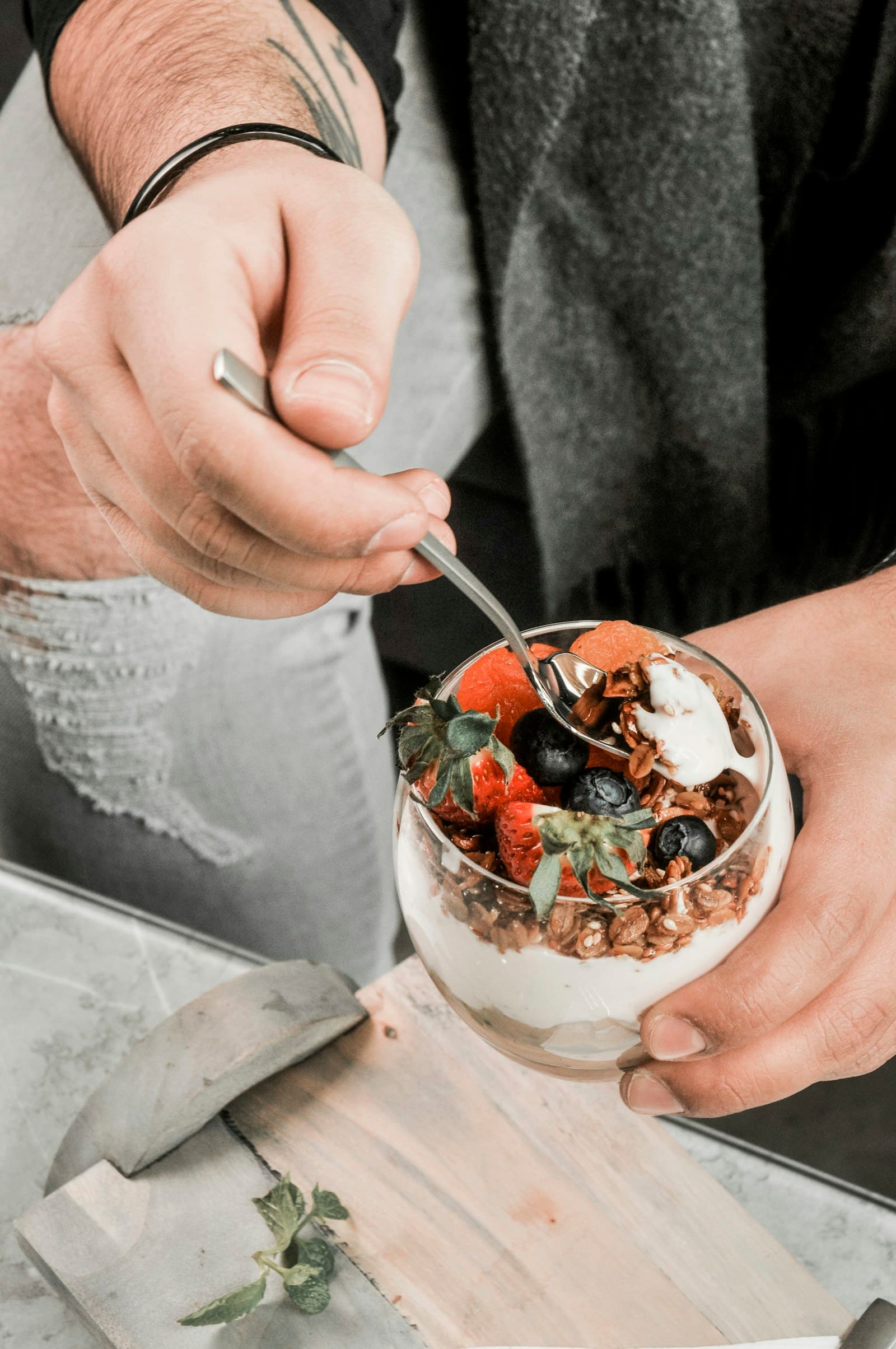
Next, describe the visible components from largest to smallest. You might identify rice, roasted vegetables, a sandwich filling, a topping, or a drink. Separate what is clearly visible from what is only possible. For example, a glossy surface may suggest a sauce or oil, but the image alone may not reveal which one or how much. Record the visible observation first, then add an uncertainty note for anything that needs confirmation.
Look for details that are easy to overlook: dressing in a small cup, cheese under a topping, a second piece outside the main frame, or a partially finished drink. A photo can also show clues about preparation, such as a toasted surface or a packaged item, without identifying every ingredient. FoodSnap can provide editable calorie, macro, ingredient, and portion estimates from a photo, but those estimates should remain open to revision when the image leaves details unclear.
Use nearby photos as supporting context
Photos taken shortly before or after the meal can fill in parts of the scene that the main image misses. A picture of the table may show a side dish; a close-up of a package may reveal a product name; a later image may show what remained. Review these images as related evidence, while keeping track of which details belong to the meal you are logging. Nearby does not always mean connected, so the relationship should be something you can reasonably explain.
A useful method is to make three short lists: visible in the main photo, visible in a nearby photo, and recalled but not pictured. This keeps memory from blending into observation. If two photos show different portions of the same dish, avoid adding both as separate servings. Instead, decide whether one is a wider view, a second plate, or a later stage of the meal, and leave a note about that interpretation.
Add notes that answer future questions
Short notes are most helpful when they capture information a photo cannot. Try recording whether the meal was homemade, ordered, shared, or packaged; whether a sauce was used; and whether you finished the pictured portion. You can also note a restaurant name, a recipe title, a brand, or an approximate serving description such as “one bowl” or “half the container.” These details create useful prompts for a later review without pretending to establish an exact amount.
Keep the wording neutral and specific. “Dressing on the side, used some” is more informative than a vague comment such as “light meal.” If you are unsure, say so: “cheese may be underneath,” “drink not finished,” or “portion partly outside frame.” A note about uncertainty is still valuable because it shows where an estimate may need editing.
Review reference data without overstating it
When you have identified a likely packaged food or ingredient, use an appropriate reference record rather than treating the photo as a label. USDA FoodData Central provides reference nutrient records, and values can vary by food entry, brand, recipe, preparation, and portion. That means a selected record is a starting point for review, not a direct measurement of what was on the plate.
For packaged foods, read the Nutrition Facts label in the right order. The FDA advises checking serving size and servings per container before interpreting calories and nutrients. A package that looks like one portion may list more than one serving, and the visible amount in a photo may not match the label’s serving size. Save the label context in your note when possible, then keep the FoodSnap estimate editable if the brand, preparation, or amount remains uncertain.
Sources
- USDA FoodData Central — U.S. Department of Agriculture
- How to Understand and Use the Nutrition Facts Label — U.S. Food and Drug Administration
FoodSnap provides editable nutrition estimates. This article is for general educational purposes and is not a substitute for individualized medical or dietary advice from a qualified professional.