
Photo, barcode, or manual
Choose the input that fits the meal in front of you.
Take a meal photo for an editable estimate of calories, protein, carbs, and fat. Review the details, adjust portions, and build a clearer food diary.
Editable estimates, built for everyday food logging.
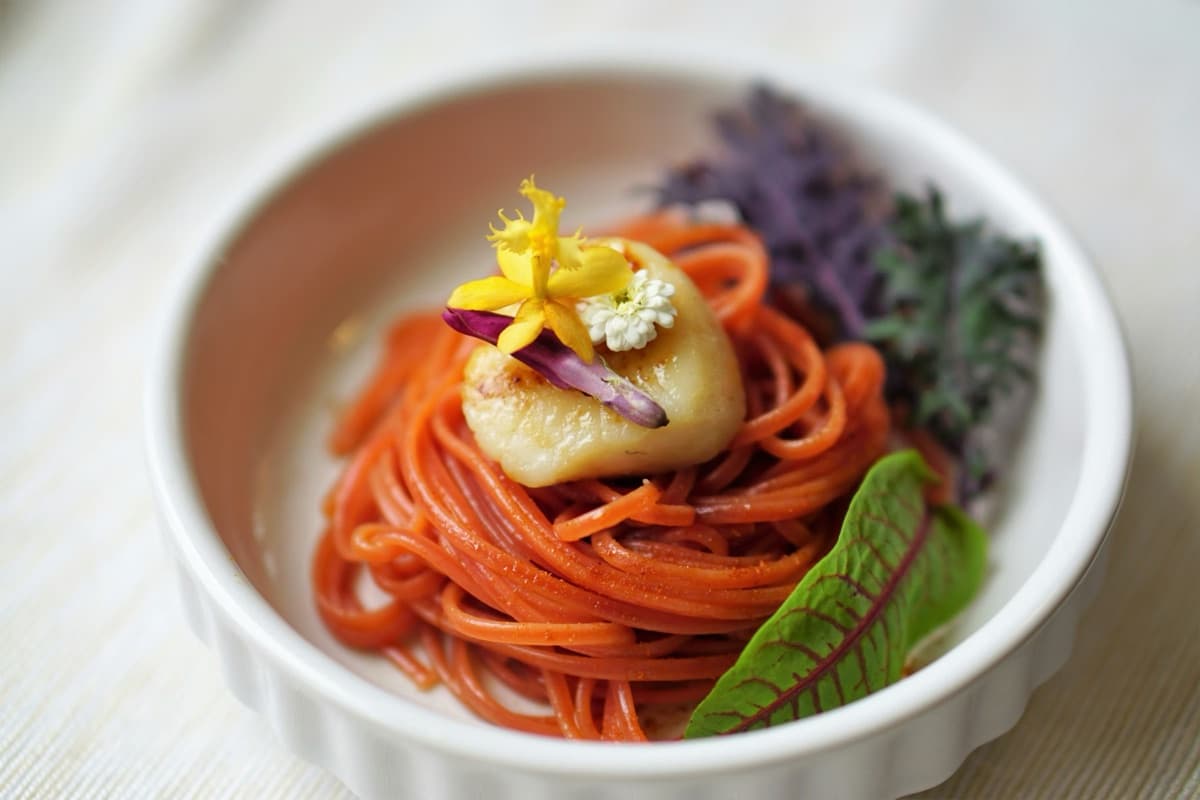
FoodSnap gives you a useful starting point—calories, protein, carbs, and fat—with editable results for portions and ingredients.
Photograph your meal or choose an image you already have.
See the identified food, serving estimate, calories, and macros together.
Correct ingredients or portions before adding the meal to your diary.
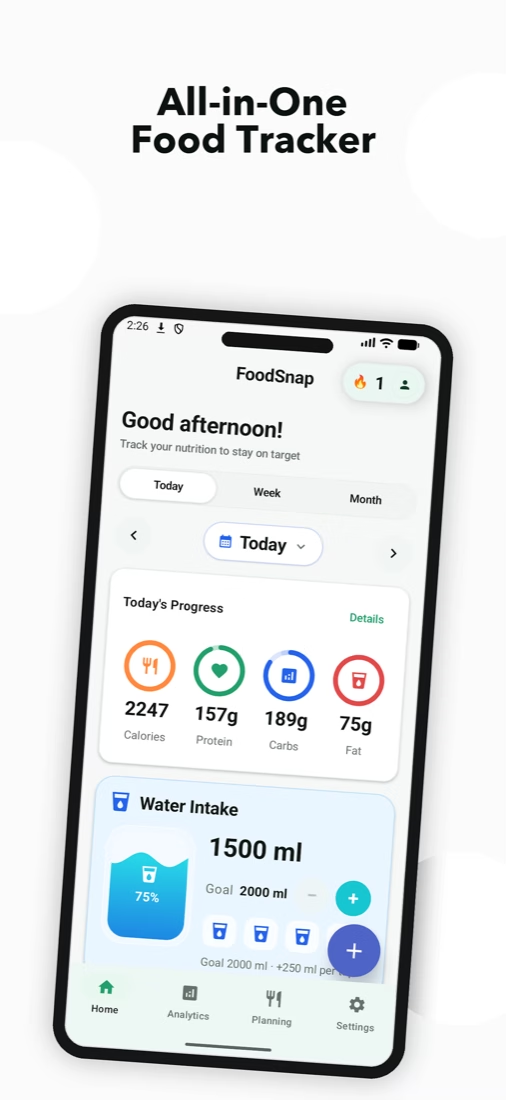
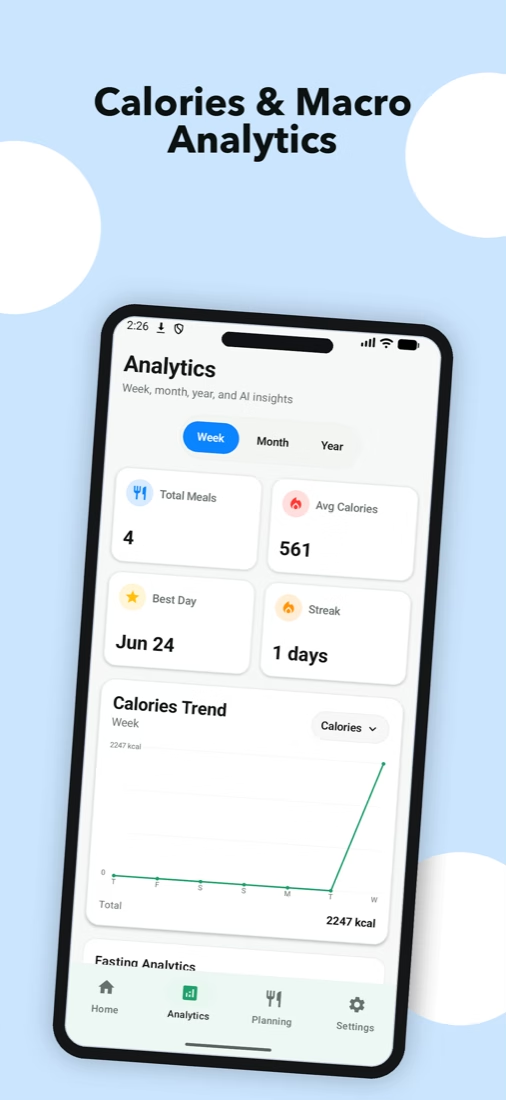
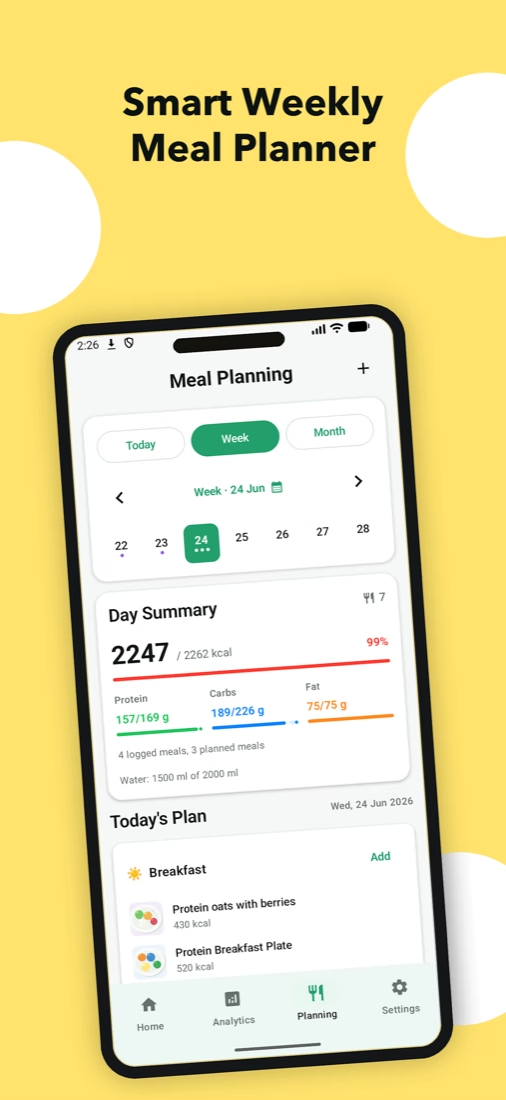
Move from a single meal estimate to a food log that helps you notice patterns over time.
Choose the input that fits the meal in front of you.
Follow calories, macros, water, and meal history without spreadsheet work.
Build a weekly meal plan and get practical meal ideas from your preferences.
Food and portion estimates are starting points, so you remain in control.
On iPhone, decide whether to share supported nutrition data with Apple Health.
Favorites, reminders, fasting, and dark mode help the app fit your day.
Our guides turn reliable nutrition references into practical explanations about calories, macros, portions, and meal planning.
Useful first. Careful with claims.Explore the FoodSnap journalA food photo can provide a useful estimate, but it cannot confirm exact weights, recipes, cooking oil, or hidden ingredients. FoodSnap keeps the result editable so you can add what the camera missed.
Learn how photo calorie estimates workFoodSnap uses visible foods and portion clues to suggest calories and macros. Treat the result as a starting point, then review it before saving the meal.
See how an image becomes a calorie estimateYes. You can correct foods, portions, and details before adding the estimate to your diary. Editing is especially useful for sauces, oils, fillings, and mixed dishes.
Explore the editable photo calorie counterYou can scan them, but visually similar meals may use different recipes. Review the identified foods and add any preparation details you know.
Read about the AI food scanner for caloriesUse a photo for visual meals, a supported barcode for packaged food, and manual entry when you already know the recipe or quantity. History and favorites help with repeat meals.
Compare ways to build your food diaryYes. Each estimate can include protein, carbohydrates, and fat alongside calories, with daily progress and longer-term analytics.
See the photo macro trackerYes. Saved meals keep their visual and nutrition context together, making it easier to revisit meals, repeat favorites, and review patterns over time.
Learn about photo food diariesYes. The planner organizes meals across the week and can suggest ideas based on your preferences and history. You can change every suggestion.
Explore the AI meal plannerNo. FoodSnap is a general food-logging and education tool. It does not diagnose conditions or replace individual advice from a qualified professional.
Understand what photo estimates can and cannot showDownload FoodSnap and turn today’s meals into a routine you can actually understand.
