
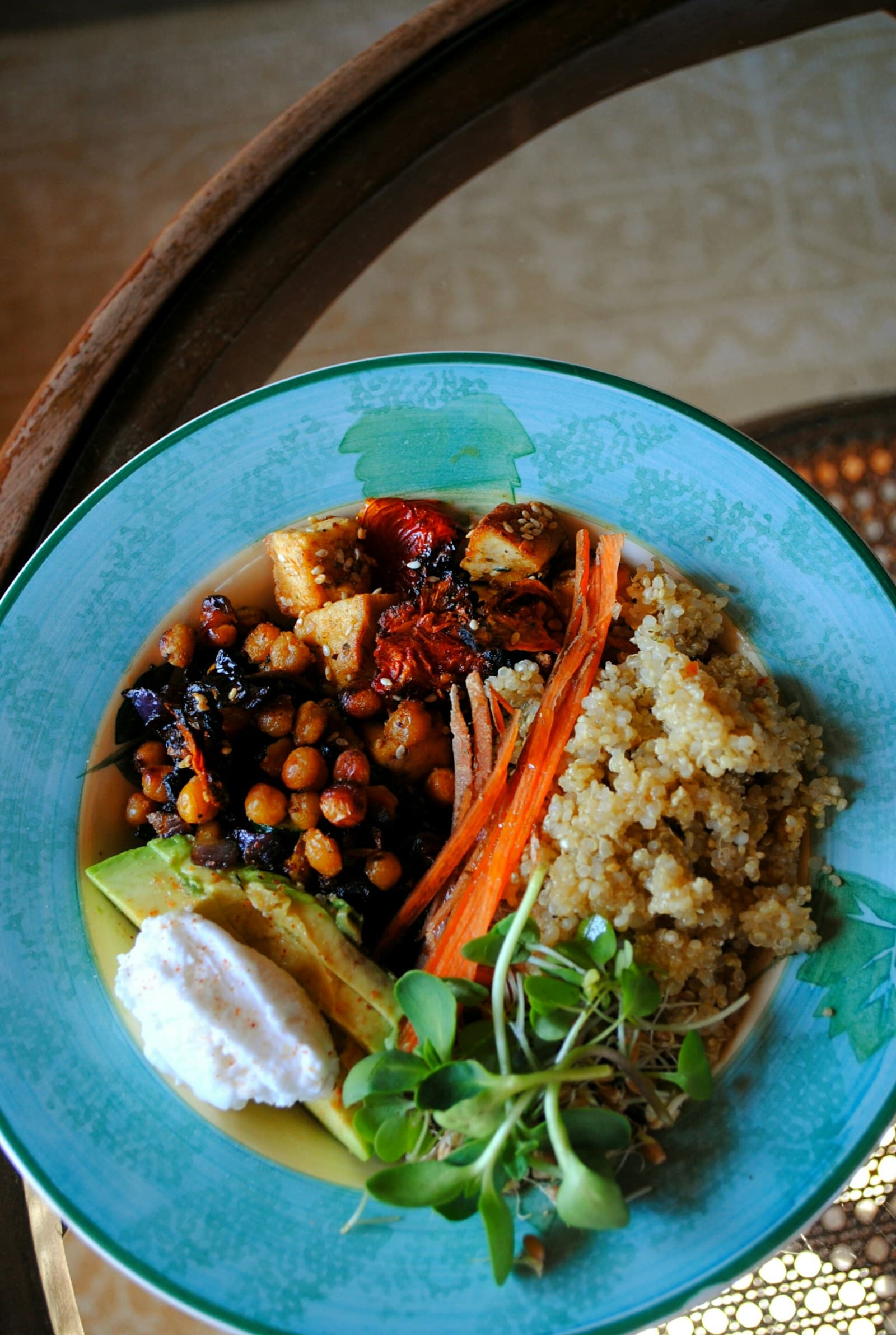
Begin by Checking Serving Size and Portion Details
When reviewing an AI-generated calorie estimate from a meal photo, start by confirming both the serving size and the portion details. Most nutrition resources, including the FDA Nutrition Facts Label, recommend beginning with the declared serving size and servings per container as the first step before evaluating calories or other nutrients. Compare what’s shown in the photo with the suggested portion estimate: Is it a full plate, half, a side, or multiple servings? Adjust the portion suggested if it doesn’t match what you actually ate, since visual estimation tools may not always capture every nuance in plate size or food arrangement.
Be mindful that FoodData Central entries vary based on preparation, recipe, and brand, so reviewing a portion estimate also means considering these variables. If your meal was homemade or customized, check if the AI estimate suggests a generic, branded, or recipe-specific entry. If the type or preparation differs—such as grilled instead of fried, or a salad with dressing rather than dry—you may need to manually adjust the entry or provide clarification. Consistently checking this first step ensures your log starts with the closest match between food photo and reference record.
Review Ingredients and Preparation Methods in Detail
Next, closely examine the ingredient list presented in the AI estimate to ensure it matches what’s actually present in your meal. Ingredients can significantly affect the calorie and nutrient content, as different preparation methods or added components—like sauces, dressings, or toppings—can change the values. Compare the AI-generated list against what you see in the photo and recall from preparing or ordering the dish. If there are missing or mistakenly added ingredients, use the app’s editing tools to adjust the log to reflect your actual meal. This step aligns with FoodData Central’s guidance, since nutrient values are recipe- and preparation-dependent.
Preparation methods are equally influential; frying, grilling, roasting, or steaming the same food yields different nutrient profiles. The USDA suggests that reference nutrient records change according to cooking style. For instance, adding butter or oil increases fat and calorie counts compared to steaming. Check if the estimate recognizes these details—if not, manually note adjustments. Reviewing both ingredients and preparation methods increases the likelihood that the calorie estimate closely approximates your food, providing more accurate food log data.
Evaluate Brand and Recipe Specificity of Estimated Entries
The accuracy of an AI photo-based food estimate often depends on whether the app selects an entry that matches the brand or recipe of your actual meal. According to FoodData Central, branded and generic food entries can vary widely in nutrient content due to unique recipes or formulations. If your meal is a packaged product or from a restaurant, check if the estimate suggests the correct brand or a similar generic reference. For homemade or custom recipes, see if the app selects a recipe entry or a basic food type. If the match isn’t quite right, use the edit option to substitute the brand or recipe most similar to your dish.
Food labels, as advised by the FDA, also require reviewing servings per container, especially for multi-serving items like bottled beverages or pre-packaged entrees. For split-portion or shared meals, note how the estimate interprets the number of servings eaten. Brand and recipe specificity plays a major role in nutrient differences, so confirming these selections is key for meaningful log entries. By carefully checking this step, you help ensure your saved entry represents the food you actually consumed, rather than a generic approximation.
Confirm Calorie and Nutrient Estimates Before Saving
After adjusting for portion, ingredient, preparation, and recipe specifics, read the estimated calorie and macronutrient totals in context. The FDA recommends checking calories in relation to serving size, since estimates can shift based on both how much was eaten and what the reference record provides. Consider if the calorie estimate aligns with your knowledge of comparable foods and whether the macronutrient breakdown (fat, carbohydrate, protein) reasonably fits the meal. If the photo includes foods with high variability in preparation, such as mixed dishes or personalized plates, be extra attentive.
Finally, before saving, quickly review the entry for completeness and clarity—confirming that edits and adjustments are accurate. Recognize that portion and recipe differences may influence the estimate, and that reference entries from FoodData Central provide a helpful baseline but may not capture every nuance. Saving only after this review helps ensure your food log is a genuine record of what you ate, rather than an unexamined estimate. This structured checklist strengthens the quality of your food log and supports ongoing review of dietary patterns.
Sources
- USDA FoodData Central — U.S. Department of Agriculture
- How to Understand and Use the Nutrition Facts Label — U.S. Food and Drug Administration
FoodSnap provides editable nutrition estimates. This article is for general educational purposes and is not a substitute for individualized medical or dietary advice from a qualified professional.