
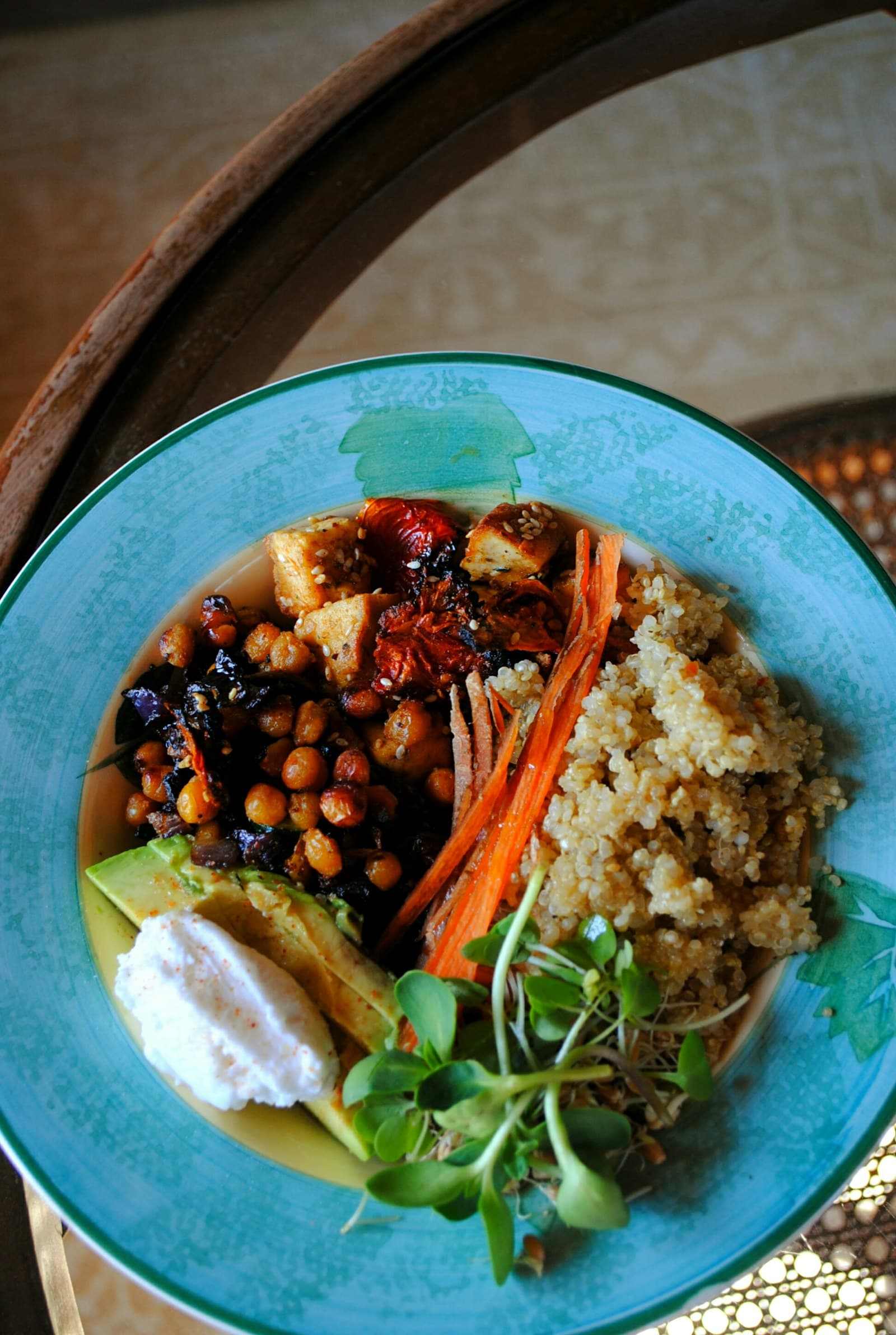
A photo contains clues, not a full recipe
A photographed meal can show the foods on the plate, their approximate arrangement, and sometimes clues about portion size. It may also reveal whether a dish includes visible toppings, sauces, or sides. Those details are useful starting points for an estimate, especially when the goal is to create a food log that reflects what was served.
The image usually does not show every detail that affects calories. A dressing may be under a salad, oil may have been used in a pan, and a recipe may include ingredients that are blended or hidden. The camera also cannot establish the exact weight of each component. Because of that, a single number can look more definite than the photo supports; a range can communicate the visible evidence while leaving room for reasonable alternatives.
Why the same food name can have different values
FoodData Central, the USDA reference database, includes nutrient records for foods and products, but values can vary by food entry, brand, recipe, preparation, and portion. Two foods that share a familiar name may therefore be represented by different records. A homemade rice bowl, a packaged version, and a restaurant preparation can involve different ingredients or amounts even when they look similar.
That variation matters when a photo is matched to a reference food. Choosing one database entry does not reveal which recipe or brand was used. A range can account for more than one plausible match instead of presenting one record as if it were the meal’s confirmed composition. When better information becomes available—such as a package label or a clearer portion description—the estimate can be narrowed or edited.
Portion size is part of the calorie question
The amount served is often the largest visible uncertainty in a meal photo. A bowl may be deep, a slice may be thick, and food may be layered below what can be seen from the camera angle. Even when the food type is identified correctly, changing the assumed portion changes the calorie estimate.
This is why an estimate should be read as a working range rather than a precise reading from the image. Look for visual anchors such as the plate, bowl, utensil, or a known package size, while recognizing that these clues are approximate. If the serving appears larger or smaller than the initial assumption, FoodSnap’s editable estimate can be adjusted instead of forcing the photo into one fixed value.
Labels need serving-size context
Packaged foods add another layer of interpretation. The FDA explains that a Nutrition Facts label should be read by checking the serving size and the number of servings per container before interpreting calories and nutrients. A calorie figure on a package is connected to that label context; it is not automatically the value for the entire package or the amount visible in a bowl.
For a photographed packaged food, compare the visible amount with the labeled serving information when that information is available. If the photo shows only part of a package, or a serving poured into another dish, the relevant amount may be uncertain. A range helps keep that uncertainty in view until the serving size and number of servings are clear.
How to use a range without losing usefulness
A range is most helpful when it is paired with its main assumptions. Note which foods were identified, whether a sauce or cooking fat was visible, and whether the portion looked small, typical, or generous relative to the dish. You do not need to document every possibility; focus on the few details most likely to change the estimate.
Then use the estimate for comparison rather than as a verdict. You can compare similar meals, review how edits change the total, or keep a more transparent record of what was visible and what was inferred. If a label, recipe, or measured serving becomes available, update the relevant entry. The goal is not to make a photograph say more than it can, but to make the information it provides easier to use.
Sources
- USDA FoodData Central — U.S. Department of Agriculture
- How to Understand and Use the Nutrition Facts Label — U.S. Food and Drug Administration
FoodSnap provides editable nutrition estimates. This article is for general educational purposes and is not a substitute for individualized medical or dietary advice from a qualified professional.