
Begin with the meal you can actually see
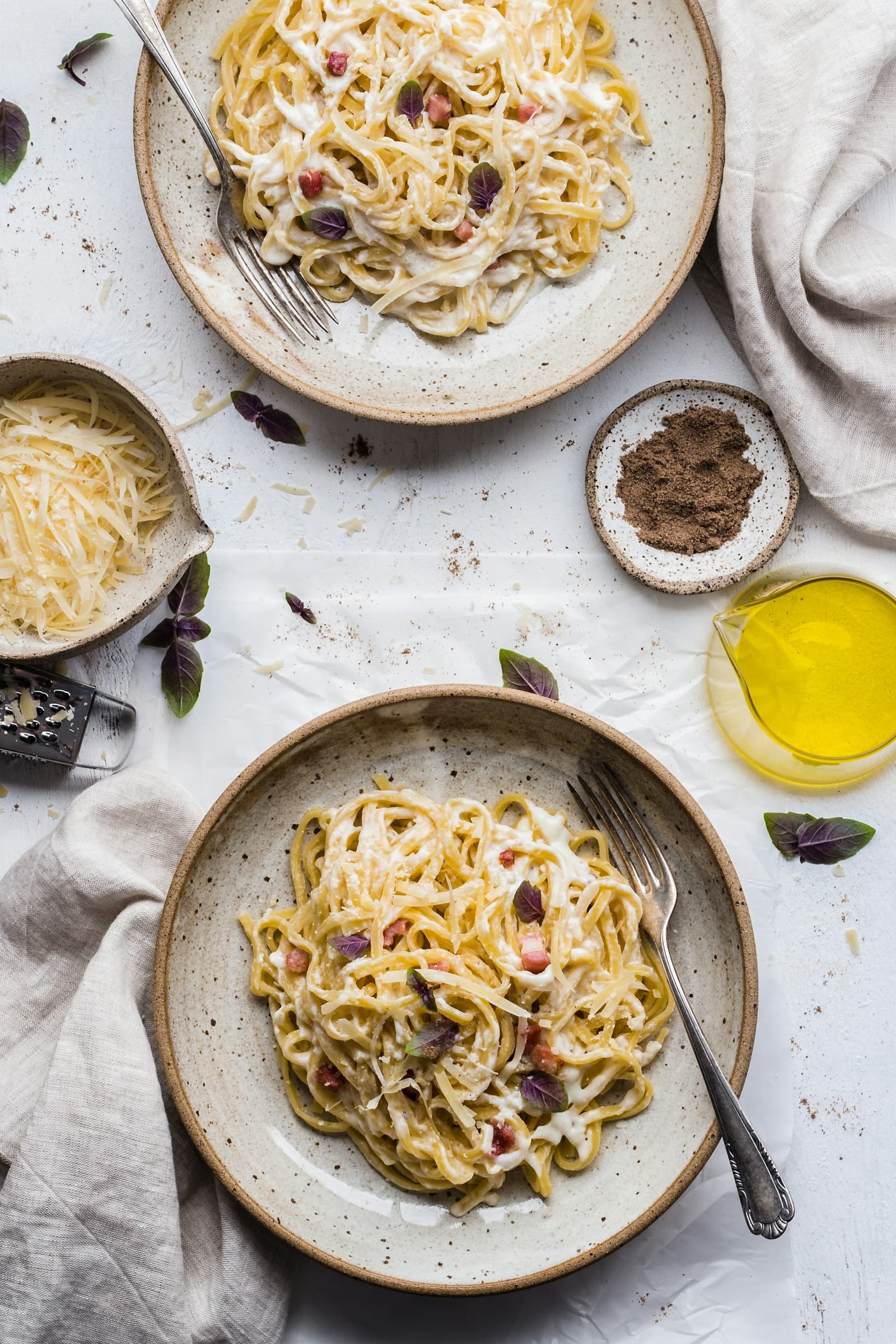
Restaurant meals often arrive with incomplete information: a menu name may cover several components, and a photo may show only the top or front of a dish. Start by writing down the visible items in plain language. For example, note a piece of grilled food, a mound of rice, vegetables, a bread item, and a small container of sauce. This first pass is an inventory, not a calorie verdict.
Then add context that changes how you interpret the image: the restaurant or cuisine, the menu description, whether the plate was shared, and whether the photo was taken before or after eating. If you know that a dish was ordered as a half portion, say so. If you only know that it was “a pasta dish,” keep that uncertainty visible rather than selecting a highly specific entry just because it looks familiar.
Use portions as adjustable working assumptions
Choose a practical portion description for each visible component: a few bites, about half the plate, one small bowl, or the full item shown. These labels are easier to review than a precise-looking number based on an uncertain photo. If the meal is partly eaten, estimate the portion served and the portion remaining separately when that distinction is visible. If several people shared the plate, record the part you believe you ate rather than assigning the whole dish to yourself.
The FDA explains that serving sizes on Nutrition Facts labels reflect amounts people typically consume and are not recommendations. It also notes that an individual portion can differ. That distinction is useful in restaurant logging: a menu serving, a photographed serving, and the amount you ate may not be the same thing. Treat the selected portion as an editable assumption that can be revised when you remember more.
Build the estimate in layers
A layered workflow keeps uncertain details from blending into one authoritative-looking total. First, identify the main food components. Next, choose an approximate portion for each. Then enter the ingredients or food entries that best match what you observed. Finally, review calories, macros, and ingredient details as estimates tied to those choices. FoodSnap can provide editable calorie, macro, ingredient, and portion estimates from a photo, so the useful step is to inspect and adjust the proposed entries rather than accept them as fixed results.
Give special attention to items that are easy to miss in the image or menu description, such as a dressing, dip, garnish, beverage, or side that was included with the order. Do not add a hidden component merely to make the total seem more complete. Instead, mark it as unknown or use a broad entry when the evidence is weak. A short note such as “sauce amount unclear” preserves the reason the estimate may change later.
Communicate uncertainty without making the log vague
Uncertainty is most useful when it is specific. Write down what is known, what is likely, and what is unknown. “Full bowl photographed; about one-quarter left; dressing amount unclear” tells a future reviewer much more than a total with several decimal places. You can also use a low, middle, or high working estimate when one missing detail has a noticeable effect, provided you label the basis for each option.
Avoid false precision in both the number and the language around it. A result such as 842 calories can look more authoritative than the photo supports, especially when the portion, recipe, or preparation is unclear. Rounding to a sensible level and adding a confidence note does not make the log less useful; it makes its limits easier to understand. The goal is a consistent record for reflection, not a claim that the restaurant meal has been measured from the image.
Use food groups for context, not nutrient arithmetic
MyPlate presents the food groups as a flexible framework for building variety. You can use that idea to describe what appears in the meal: perhaps a grain-based item, a protein food, vegetables, fruit, or a dairy component. This is a descriptive check that may help you notice the meal’s overall mix without assigning a quality label to the foods or turning the framework into a score.
MyPlate does not determine the exact nutrients in a photographed restaurant meal. Keep that boundary clear. A food-group note can sit beside the calorie and macro estimate, while the estimate remains tied to the visible ingredients and chosen portions. After logging, review the record for practical accuracy: did you capture what was served, distinguish what you ate, and identify the details that remain uncertain? That is a stronger workflow than forcing every unknown into a precise-looking entry.
Sources
- Serving Size on the Nutrition Facts Label — U.S. Food and Drug Administration
- What Is MyPlate? — USDA MyPlate
FoodSnap provides editable nutrition estimates. This article is for general educational purposes and is not a substitute for individualized medical or dietary advice from a qualified professional.