
Begin with one clear base entry
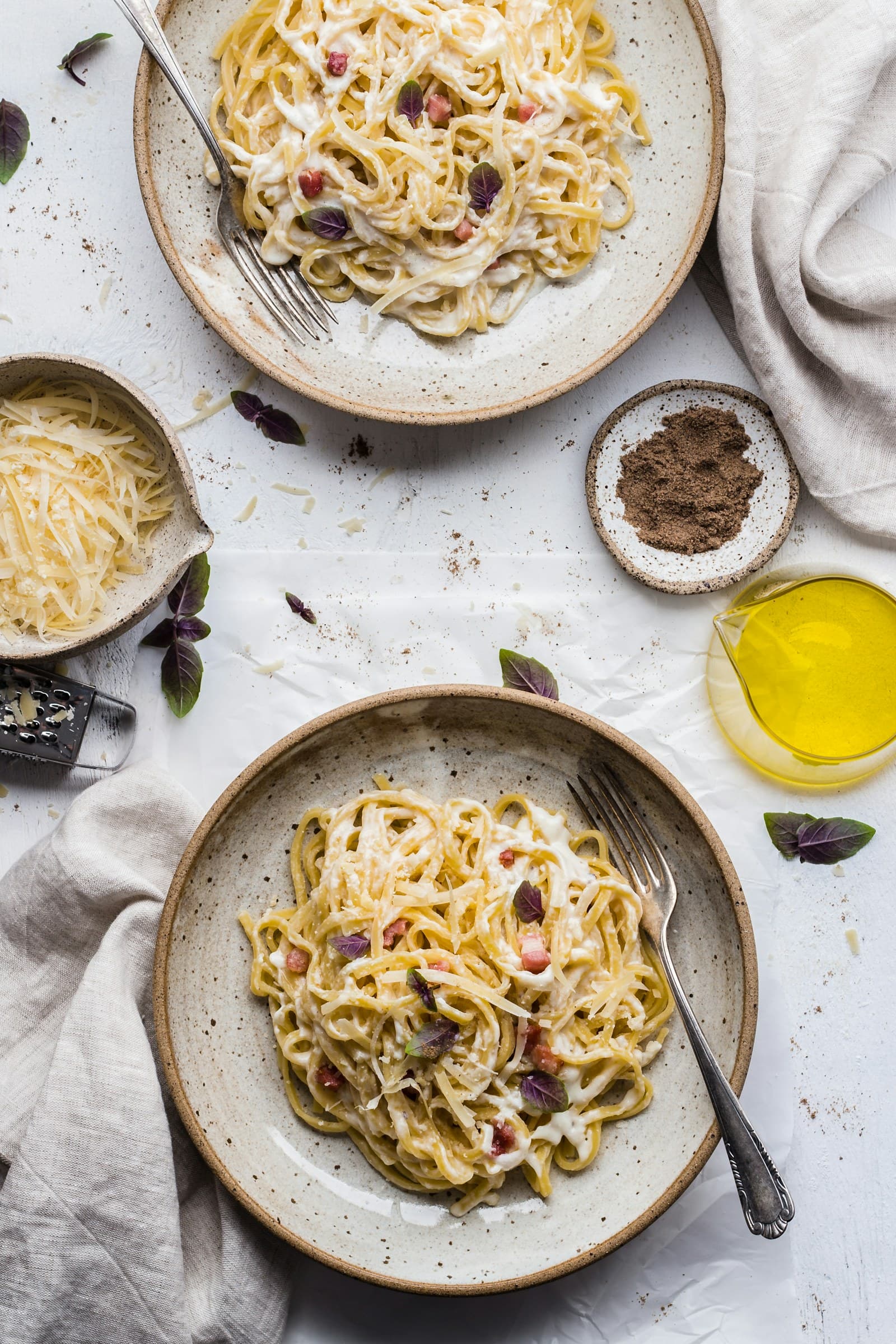
When a meal includes a second helping or a refill, first identify the entry that represents the food and drink already shown. Create one base meal entry from the photo, then review the suggested foods, portions, calories, and macros before adding anything else. FoodSnap estimates these details from the image, so treat them as a starting point you can edit rather than as a measurement of everything consumed.
A useful note can describe the timing and scope of the photo: “First plate and first glass” or “Initial serving only.” This small label gives the entry a boundary. It also makes it easier to tell whether a later serving belongs in the same log or needs its own addition. The goal is not to make the first photo carry information it does not show.
Add a second helping as an addition
A second helping is easiest to record when you separate it from the original plate. Keep the first entry as the base, then add a short second entry such as “second serving of rice and vegetables” or “extra slice of toast.” If you know that the second portion matched the first, you can record that relationship in the note. If it was smaller, larger, or included different foods, describe that difference instead of copying the whole meal.
Do not create a duplicate full meal simply because you ate twice. A full duplicate can make the log look as if two complete plates were consumed, even when only one component was repeated. The addition should include only what was served again. If you cannot tell which foods were repeated, write that the second helping was mixed or unspecified and keep the estimate open for later editing.
Handle drink refills separately
A refill follows the same base-plus-addition structure. Keep the original drink with the meal entry, then add a refill note when another serving was poured. Useful details include the drink type, whether the glass was the same size, and whether the refill was partial. For example: “Unsweetened iced tea, second glass, size unclear” distinguishes an observed refill from a precise volume you do not have.
If you know the refill amount from a bottle, can, menu listing, measuring cup, or your own note, edit the drink entry with that information. If you do not know it, do not multiply the first drink by an assumed number or add a second amount that merely feels plausible. Keeping the original estimate and marking the refill as uncertain is more transparent than turning an unknown volume into a confident-looking figure.
Use the label as context, not a shortcut
The U.S. Food and Drug Administration explains that serving sizes on the Nutrition Facts label are based on amounts people typically consume. They are not recommendations, and a person’s portion can differ. That distinction matters when a refill or second helping does not match the package serving size. A label can help identify the food and provide a reference, but it does not establish how much was actually in your glass or on your plate.
If a packaged drink or snack has a listed serving size, compare your recorded portion with that label only when the package information and amount are available. Otherwise, make a note about what you know: one can, part of a bottle, one ladle, or an unmeasured refill. This keeps the source of the estimate visible and avoids presenting a label serving as proof of your consumed portion.
Review the log for overlap
Before saving, read the entries together as a short timeline: first serving, added food, original drink, refill. Ask whether each item appears once and whether any second entry accidentally repeats foods already included in the base meal. Check names, portions, and notes, then edit the entries that represent the clearest information. A quick timeline review is especially useful when the second helping was recorded later from memory.
MyPlate presents the food groups as a flexible framework for building variety; it does not determine the exact nutrients in a photographed meal. You can use that framework to describe the meal’s different food groups without using it to invent a portion or calorie value. A clear log can therefore contain both structure and uncertainty: what was visible, what was added, and what still needs clarification.
Sources
- Serving Size on the Nutrition Facts Label — U.S. Food and Drug Administration
- What Is MyPlate? — USDA MyPlate
FoodSnap provides editable nutrition estimates. This article is for general educational purposes and is not a substitute for individualized medical or dietary advice from a qualified professional.